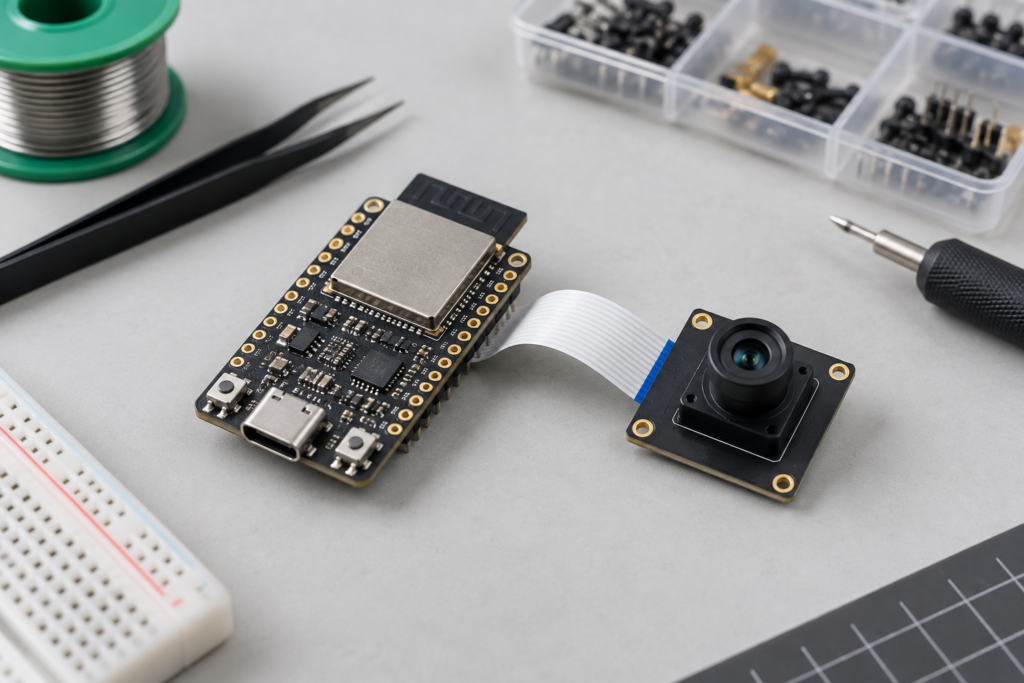
An ESP32-S3 camera module quotation can look complete while leaving out the details that determine whether the board will run your firmware. Memory, camera wiring and antenna arrangements deserve the same attention as unit price. This guide explains what to put in the purchase specification and how to check a sample before committing to a batch.
The intended applications are periodic image capture, equipment snapshots, simple visual inspection prototypes and connected camera accessories. Final resolution and frame rate must be demonstrated with your software and network conditions. A sensor’s maximum pixel count is not a guarantee of useful system throughput.
What exactly are you buying?
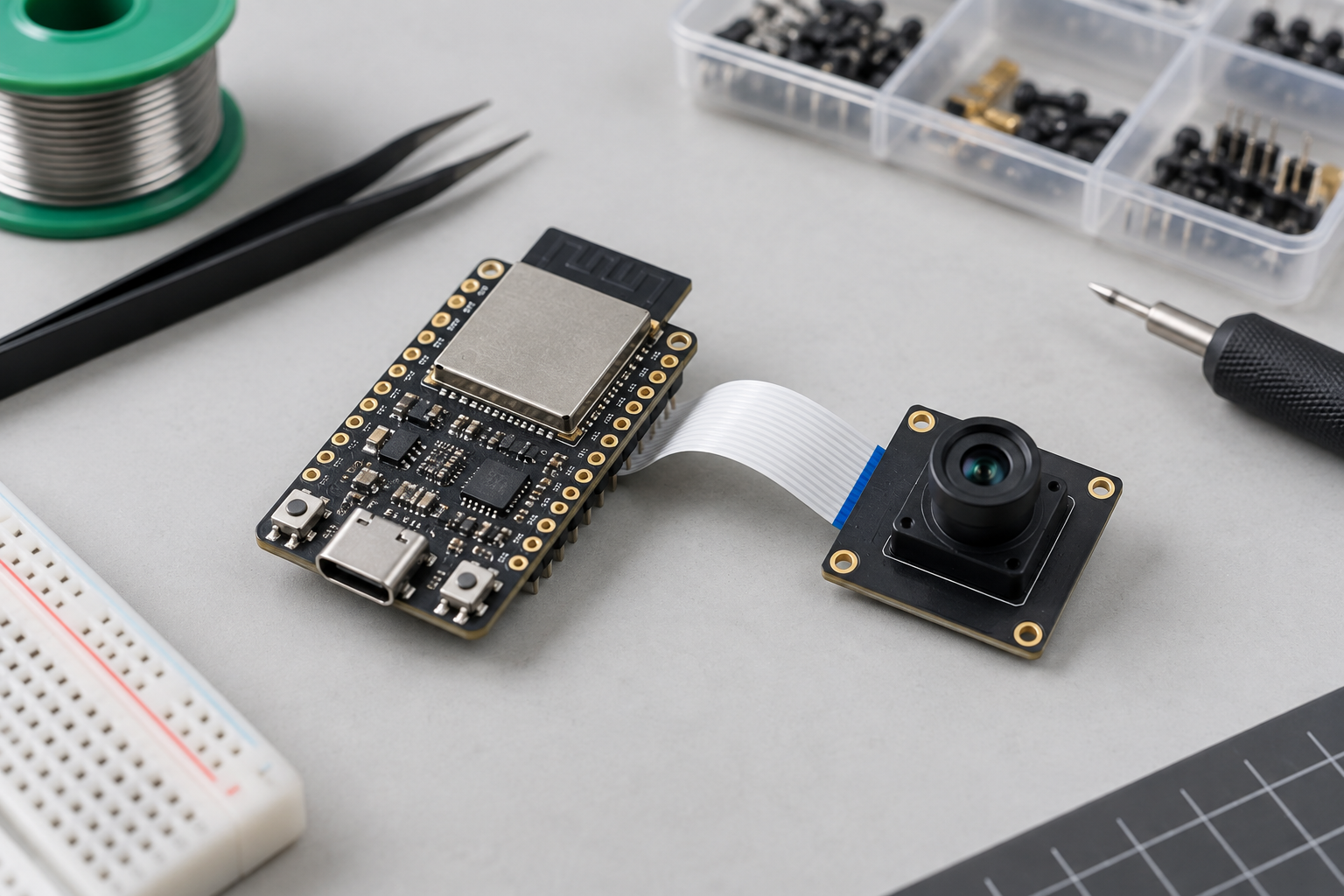
ESP32-S3 is a wireless microcontroller/SoC. A WROOM module packages the SoC with memory and RF components; a camera development board adds further circuitry and connectors. These are different deliverables. Ask the supplier to identify all three: module ordering code, carrier-board revision and image-sensor model.
Espressif specifies a dual-core LX7 processor up to 240 MHz, 2.4 GHz Wi-Fi and Bluetooth LE for the WROOM family. The module supply is 3.0-3.6 V. A development board’s USB input does not mean the module itself accepts 5 V. See the official WROOM datasheet, sections 1.1-1.2.
ESP32-S3 camera module memory: compare complete codes
| Ordering code | Flash | PSRAM | Procurement implication |
|---|---|---|---|
| ESP32-S3-WROOM-1-N8 | 8 MB | None | Do not accept as an automatic substitute for N8R8. |
| ESP32-S3-WROOM-1-N8R8 | 8 MB | 8 MB Octal SPI | Check the firmware memory mode and temperature conditions. |
| ESP32-S3-WROOM-1-N16R8 | 16 MB | 8 MB Octal SPI | Extra flash does not increase frame-buffer RAM. |
The WROOM-1 uses a PCB antenna; WROOM-1U uses an external antenna connector. Datasheet v1.8 lists the R8 variants at -40 to 65 degrees C, with an ECC-dependent condition for operation up to 85 degrees C and reduced usable PSRAM. Obtain engineering approval against that condition rather than copying a family-level temperature claim into the order.
Problem: the cheaper sample runs out of memory
A seller may offer a board with the same connector layout but less memory. The demo boots, yet capture fails when networking and image processing run together.
Solution: make memory detection part of acceptance
Have engineering supply a test firmware image that reports detected flash and PSRAM, then captures at the intended settings while uploading frames. Record board revision, firmware version, free memory, resets and failed captures. Agree the test duration and acceptable failure rate before comparing suppliers; there is no universal sample count that proves a lot is reliable.
The official camera driver requires PSRAM except for limited low-resolution JPEG use. Its documentation also warns that RGB/YUV capture increases memory pressure, especially with Wi-Fi active. Start validation with a supported JPEG sensor and a modest frame size, then increase the workload deliberately.
Problem: the replacement camera fits but produces no image
Mechanical fit alone does not establish electrical compatibility. The ribbon orientation, connector pin assignment and carrier-board wiring can differ between assemblies marketed under a similar name.
Solution: approve a board-and-sensor combination
Request the sensor model, connector drawing and board schematic or pin map. Engineering should verify supply rails, reset and power-down signals, clock and data connections before powering a replacement. Attach the approved combination to the BOM. During repair, preserve the original board revision and cable orientation in the service record instead of ordering from a photograph alone.
Problem: the image is technically valid but unusable
A camera that reads a label under bench lighting may fail inside the product. Working distance, glare, enclosure windows and motion can make the same sensor unsuitable for the real job.
Solution: buy against a representative scene
Include target distance, field of view and lighting conditions in the sample request. Supply a representative object or test chart and inspect saved images, not just a live preview. For a moving target, compare blur at the actual motion speed. Treat lens changes as engineering changes even when the sensor number stays the same.
RFQ checklist for an ESP32-S3 camera module
- Exact module ordering code, carrier-board revision, sensor and lens identification.
- Flash/PSRAM configuration, antenna arrangement and intended operating temperature.
- Quantity, packaging, lot traceability, delivery date and written substitution policy.
- Sample firmware, test scene and acceptance criteria agreed with engineering.
- Applicable compliance documents for the exact module and antenna arrangement; final-product obligations still require review.
Ask suppliers to distinguish stock available now from a forecast delivery date. Keep the quote and date with the purchase record. A listing or photograph is not proof of allocation, authenticity or repeatable production supply.
Buying takeaway
Approve the whole camera assembly and its test result, not just the ESP32-S3 name. A slightly cheaper board is only a saving if it passes the same workload, optical and supply checks. For broader application context, see our ESP32-S3 voice and display article. Send the exact BOM, quantity and operating conditions through our contact page when requesting a sourcing review.
FAQ
Can N8 replace N8R8 in a camera product?
Not without engineering validation. N8 lacks the PSRAM included in N8R8, which can prevent the existing camera workload from running.
Does more flash improve capture frame rate?
Not by itself. Flash capacity, frame-buffer memory, sensor output and processing bandwidth serve different purposes.
Does a working sample establish authenticity?
No. Functional testing supports acceptance, but traceable sourcing and documentation remain separate checks.